
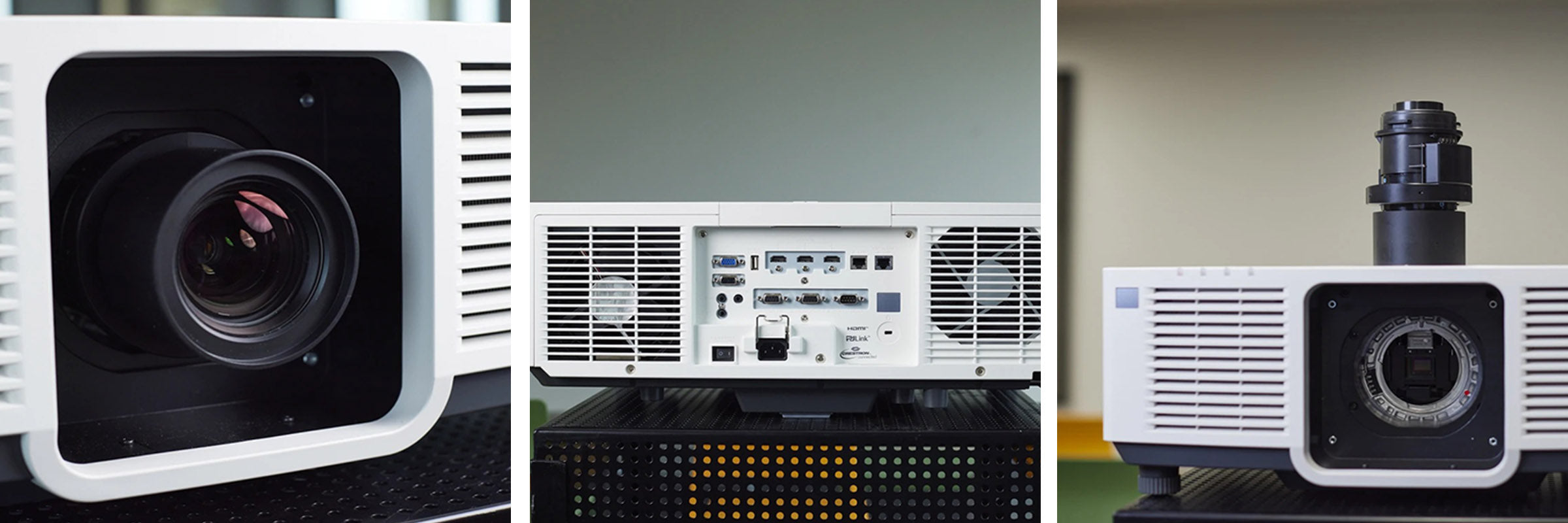
How to connect a projector correctly
A projector is a device that can project an image – from an SD camera or a laptop, for example – onto a large screen so that a large number of people can view it at the same time. Of course, it can also be slide shows or videos.
When connecting a projector, first check whether the connections are analogue or digital.
Here is a brief overview of the most important types of connection:
– HDMI connection: this connection transmits picture & sound and is required for high-definition image quality (HDTV). The HDMI connection is digital.
– VGA connection: the VGA connection has 15 pins and transmits the image on an analogue basis. In professional circles, this connection is also called D-sub 15.
– Video connection: the video connection is also used to transmit picture & sound. As there is often only a single cable here (with a yellow sheath), the image quality is correspondingly poor.
– Wireless connection: with a wireless connection, the projector can receive signals by radio. All you need is a compatible device.
