


 | SKU:
1000027285
Optoma N3651K
Suitable alternatives


 Regular price 1.211,52 €Unit priceTax included plus 49,99 € shippingBackordered Delivery time: 10–14 business days

 Regular price 1.326,55 €Unit priceTax included plus 49,99 € shippingBackordered Delivery time 7–9 weeks

 Low stock Delivery in1–3 working days
Energy efficiency chart

 Regular price 1.419,35 €Unit priceTax included plus 49,99 € shippingIn stock Delivery in1–3 working days

 In stock Delivery in1–3 working days
Energy efficiency chart

 Very low stock Delivery in4–7 working days
Energy efficiency chart


- 65″ (165 cm) Diagonal
- 3840 × 2160 Resolution · 4K UHD
- 450 cd/m² Brightness
- 1,200:1 Contrast
- 6 ms Response time
Energy efficiency chart
Questions about the product?
Whether it's a conference room, school or home cinema – Dannie Tsegai Tesfai, our Projectors and displays specialist, will advise you personally and prepare an individual quote for you.
Conference room, school or home cinema: we give you personal advice and put together a tailored quote.
Dannie Tsegai TesfaiProjectors and displaysspecialist


Description
Optoma N3651K


- 4K UHDResolution · 3840 × 2160
- 450Brightness
- 1,200:1Contrast
- 6Response time
CONNECT, PRESENT AND COLLABORATE
The professional N-Series displays were designed to enhance current conference facilities in businesses and educational institutions and enable hybrid work and remote learning scenarios. Intuitive, user-friendly software allows users to connect, present, and collaborate globally, both in person and remotely.
The N-Series is usable in both portrait and landscape orientations and is suitable for use in corporate lobbies and reception areas, conference rooms, lecture halls, digital signage, and other professional environments.
Designed for simplified connectivity and increased engagement. Content can be shared wirelessly with Creative Cast™ and displayed with live content and real-time collaboration on Optoma interactive flat panels via whiteboard. With an integrated media player, users can display information, create it, and customize their own playlist.
Furthermore, users can upload files wirelessly via the Optoma File Manager and access the cloud storage of popular systems such as Google, Microsoft, and Dropbox.
Experience the following highlights:
- Ideal solution for professional environments - Customize your content and display it in portrait or landscape orientation on one or more displays
- Intuitive, user-friendly software - Integrated applications allow you to connect, present, and collaborate worldwide, both in person and remotely
- Integrated media player and scheduling function - Create, customize, and schedule media playlists and display content on a specific date or time
- Optimized for conference solutions - Compatible with a variety of accessories such as webcams, Bluetooth speakers, and motorized trolleys
DESIGN. CONNECT. INSPIRE.
Connect with technology that connects. The Optoma N-Series Professional Displays are designed to seamlessly adapt to the needs of business professionals. The result: intuitive, user-friendly software that harmonizes with the way you present and collaborate.

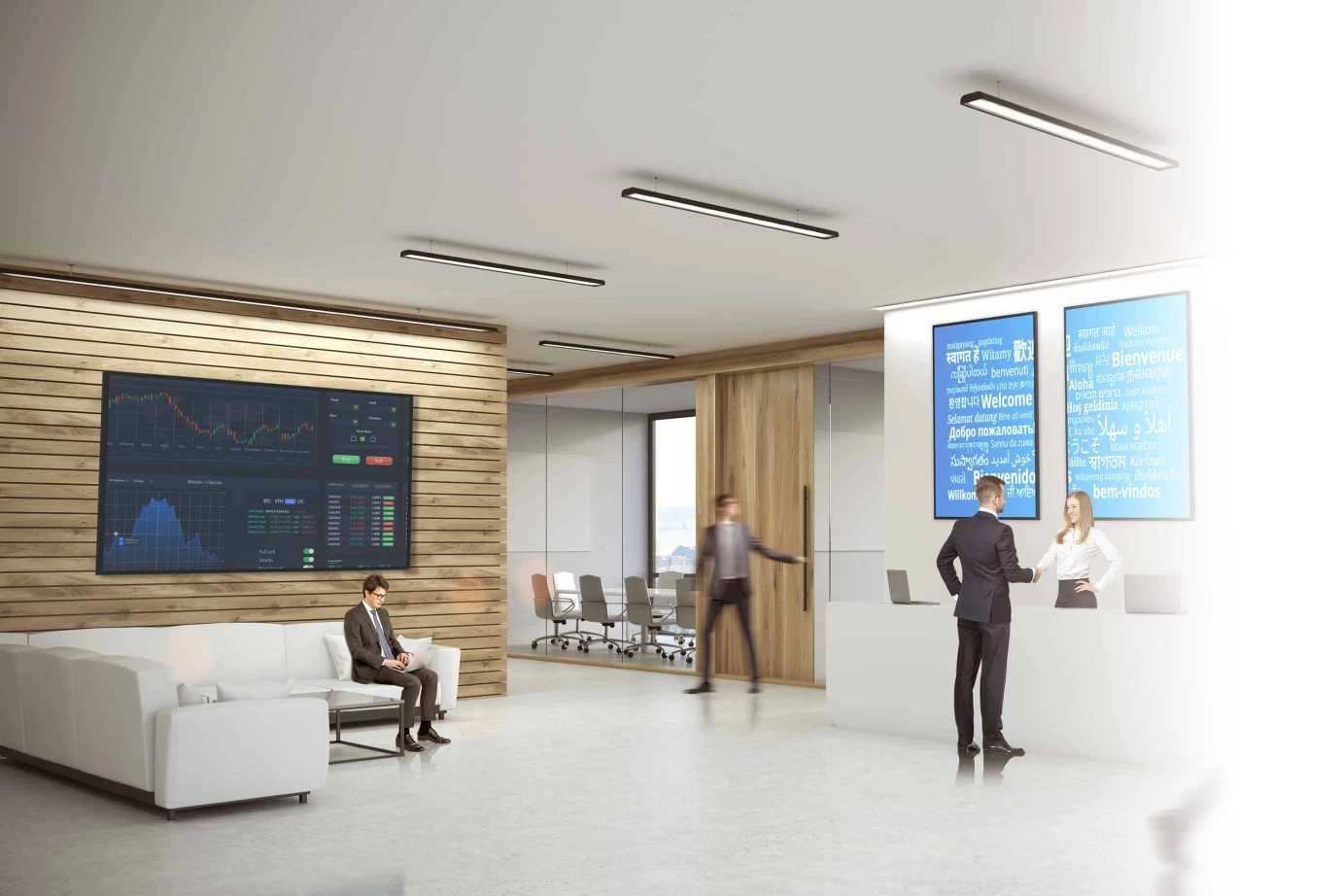
ENHANCE YOUR BRAND IMAGE
The Optoma N-Series Professional Displays are perfect for lobbies and reception areas. Display information your way. With the integrated media player and scheduling function, you can create, customize, and schedule your own media playlists, as well as display content on a specific date or time.
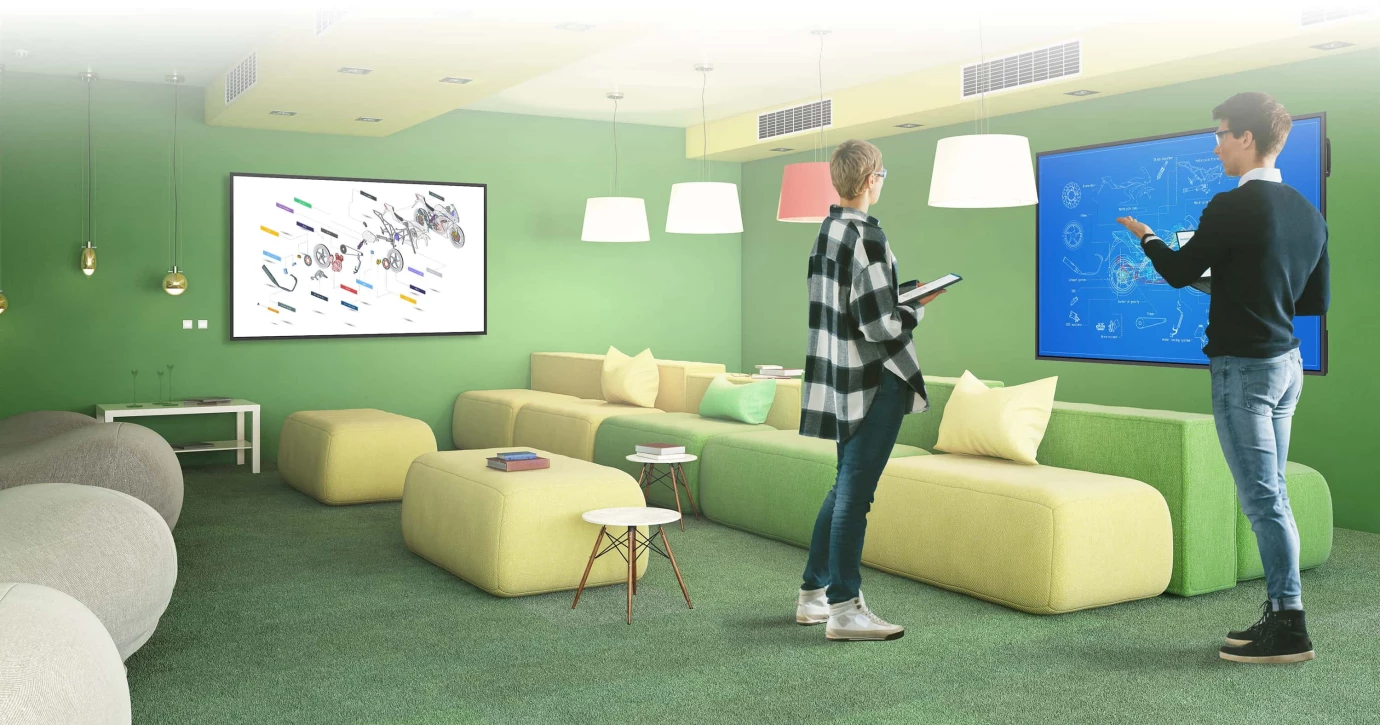
BRING PEOPLE TOGETHER
Connect every device. With CreativeCast™ Pro, you can wirelessly transmit, share, or stream your content. Mirror images, videos, documents, and audio files in high quality from your smartphone, laptop, or PC to the screen - all with just the touch of a button.
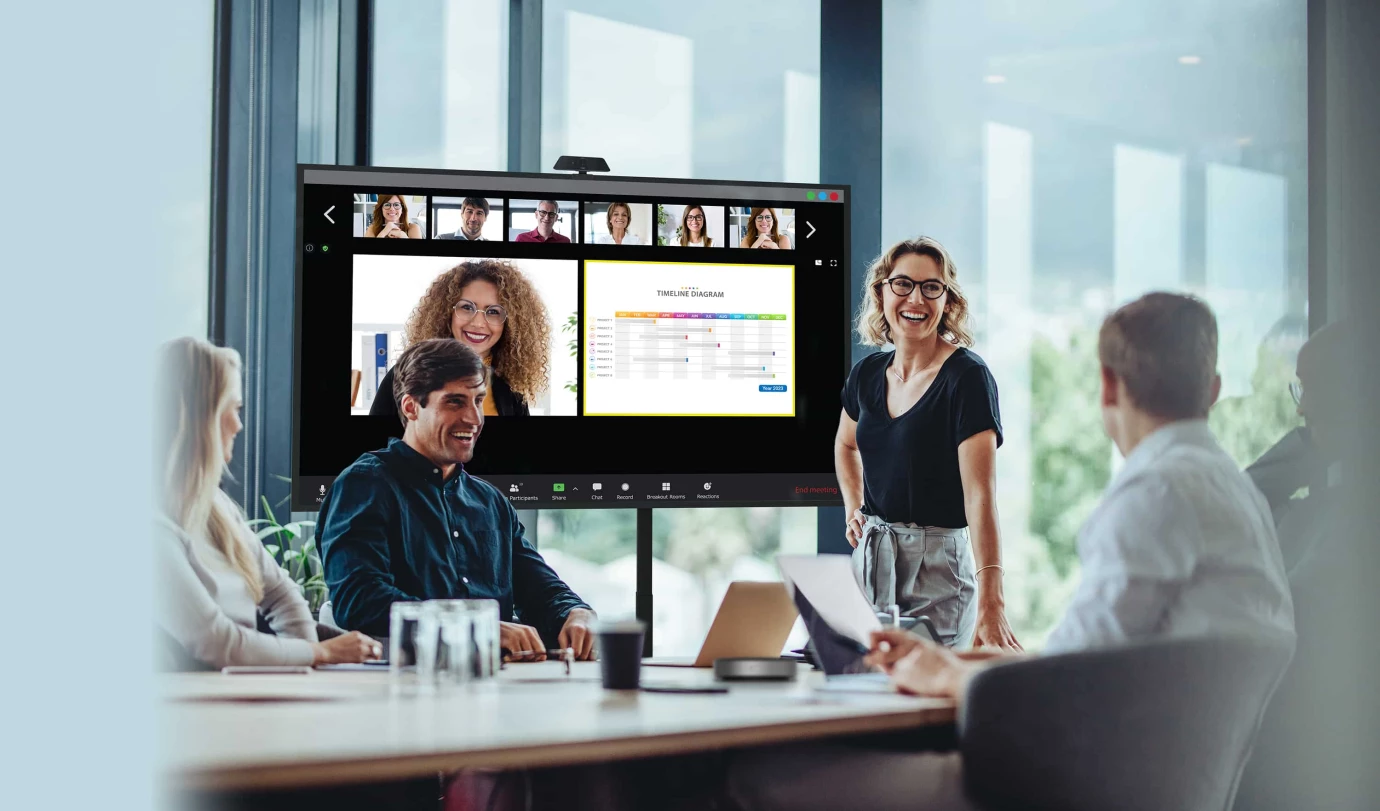
HYBRID COLLABORATION
Promote teamwork in a hybrid work environment by using Optoma's video conferencing solutions and enabling access to content from any location.
CONVEY INFORMATION IN AN IMPRESSIVE WAY
The Optoma N-Series is the ideal solution for digital signage. Customize your content and display it in either portrait or landscape orientation on one or more screens.

Connect anytime, anywhere
Businesses can rely on their IT managers to provide remote support with the Optoma Management Suite (OMS)™ solution. IT managers can easily monitor and diagnose issues related to Optoma AV displays to ensure that employees are not left without assistance. For an additional level of readiness, businesses can also set up alerts and send emergency announcements.
Tutorial videos for a successful setup
Click on the following Optoma YouTube playlist to perform the installation and device adjustments flawlessly and effortlessly.

Technical data
-
General
-
Condition
-
Manufacturer
-
Brand
-
Model name
-
Manufacturer part number
-
EAN
-
Product type
-
Product series
-
-
Image
-
Technology
-
Panel technology
-
Diagonal
-
Resolution
-
Aspect ratio
-
Brightness
-
Contrast ratio
-
Haze level
-
Response time
-
Viewing angle horizontal
-
Viewing angle vertical
-
Operating hours rating
-
-
Screen and whiteboard
-
Frame width
-
-
Connections and wireless
-
Inputs1x RS232, 2x HDMI, 3x USB-C
-
Outputs1x 3.5mm jack, 1x HDMI
-
-
Mounting and furniture
-
VESA standard600 x 400
-
-
Energy and noise
-
Energy efficiency class
-
Energy label range
-
EPREL ID
-
Power consumption in operation
-
Power consumption standby
-
Power consumption off
-
-
Dimensions and weight
-
Dimensions (W × H × D)146.3 × 83.8 × 8.2 cm
-
Weight
-
Colour
-
-
Scope of delivery and warranty
-
Scope of deliveryBatteries, HDMI cable, Power cable, Quick start guide, Remote control
-
Warranty
-
Warranty type
-
WEEE number
-
Documents & downloads
Reviews
Product safety information
Manufacturer
Optoma
EU responsible person
Optoma Deutschland GmbHAm Nordpark 3
41069 Mönchengladbach
Germany
Contact
E-Mail: info@optoma.de

